
Who doesn't follow back
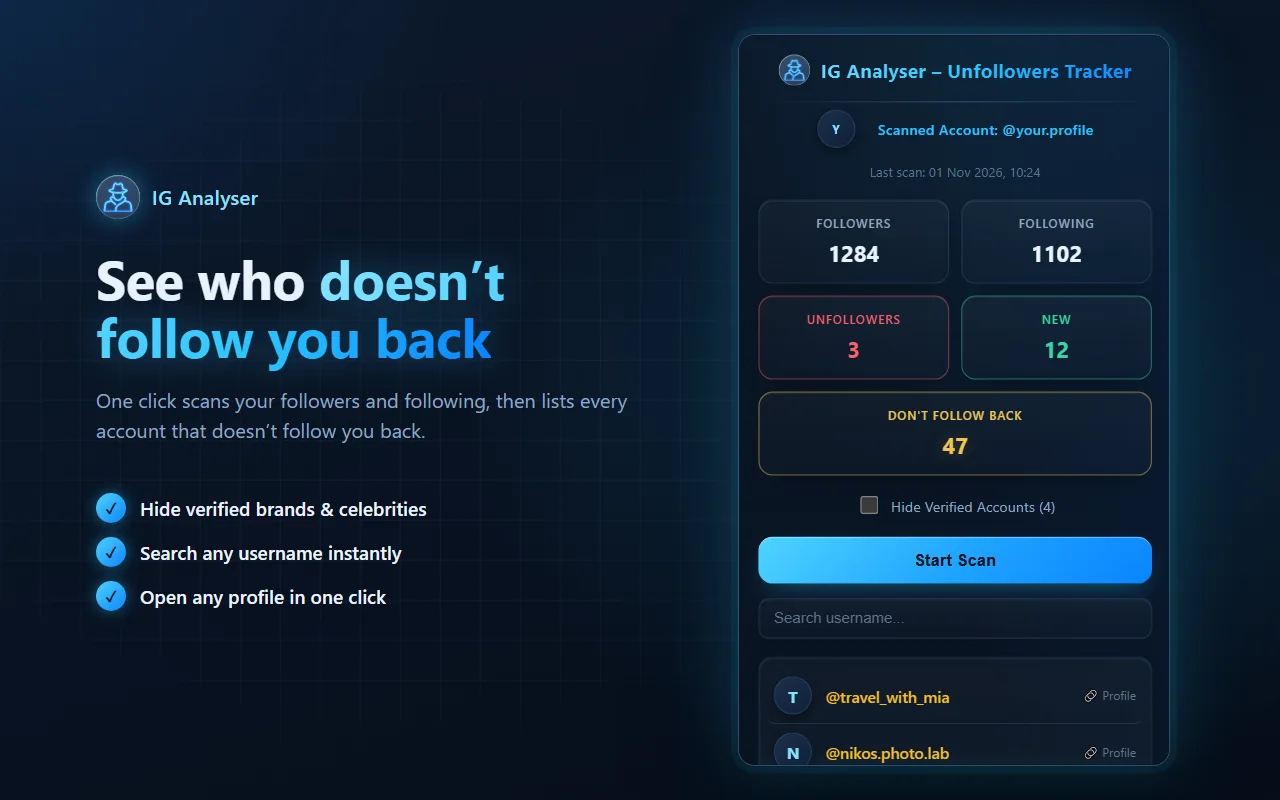
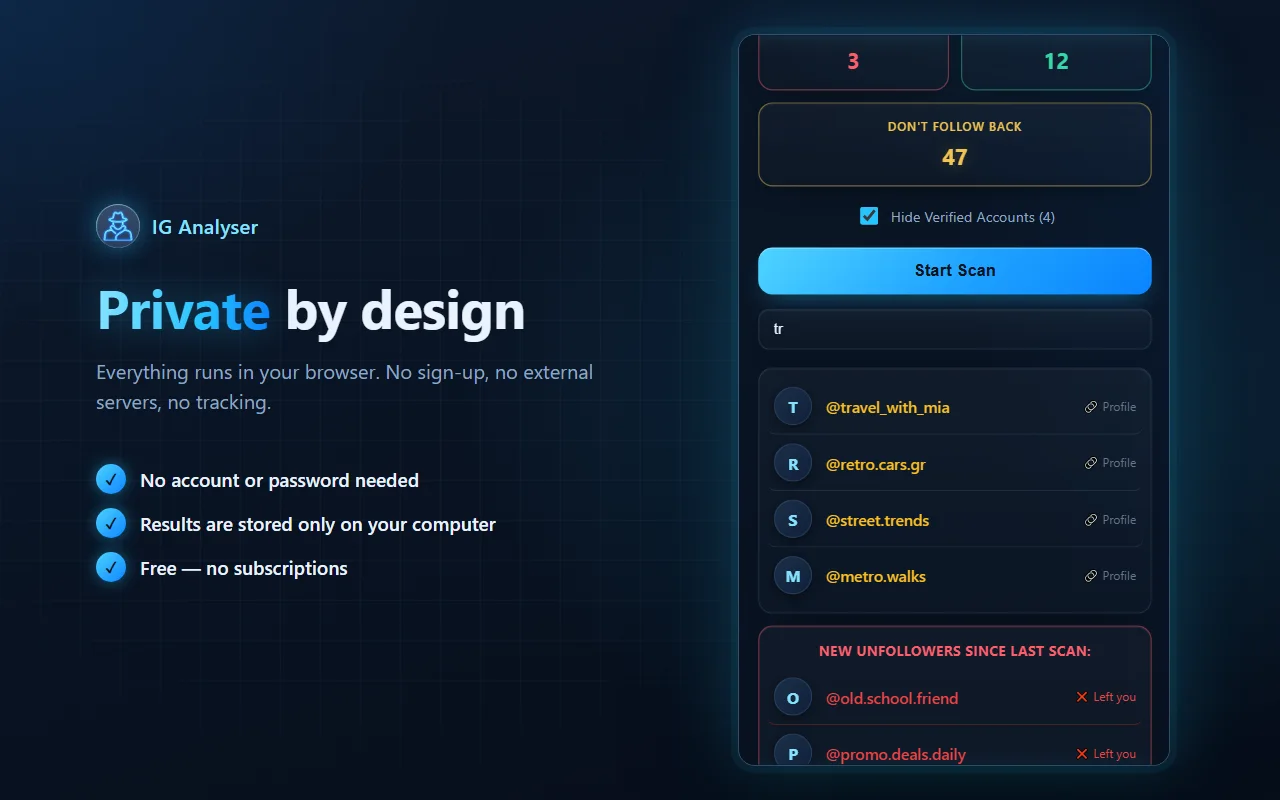
See every account you follow that doesn't follow you back. Hide verified brands and celebrities, or search any username.
IG Analyser is a free Chrome extension that shows who doesn't follow you back, who unfollowed you and who's new — in one click, right in your browser.
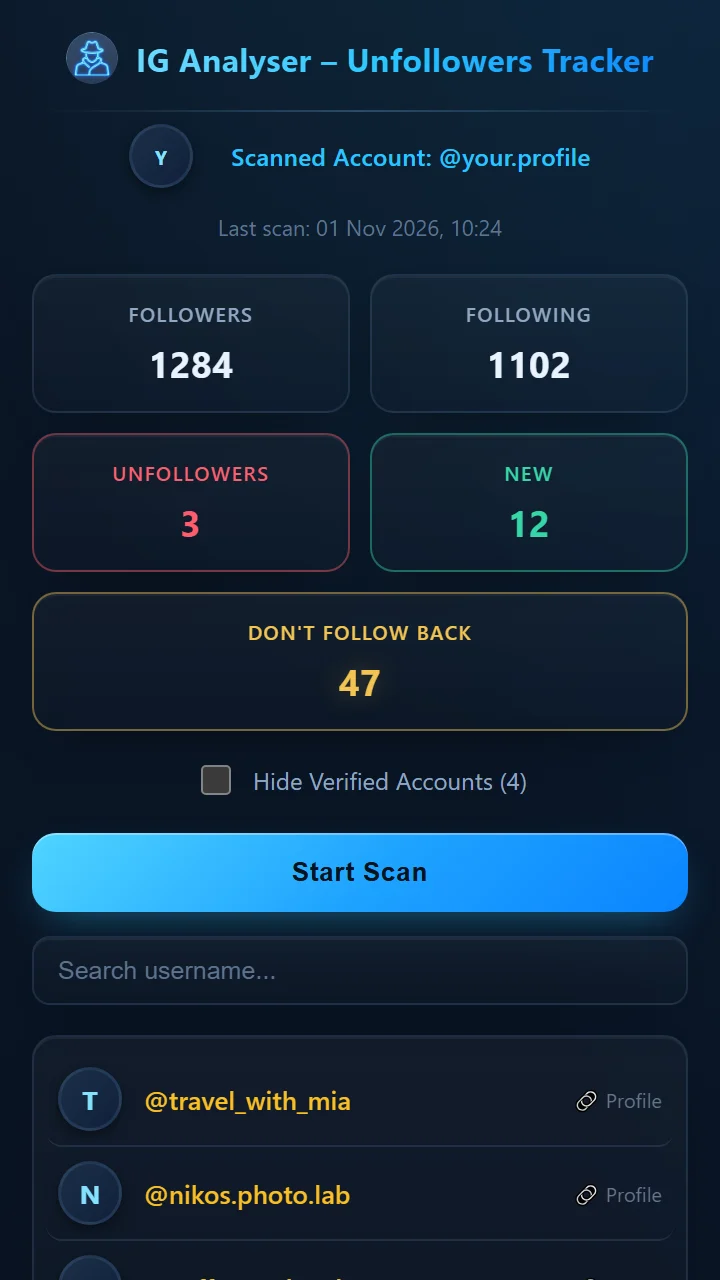
One button scans your followers and following. IG Analyser does the rest.
See every account you follow that doesn't follow you back. Hide verified brands and celebrities, or search any username.
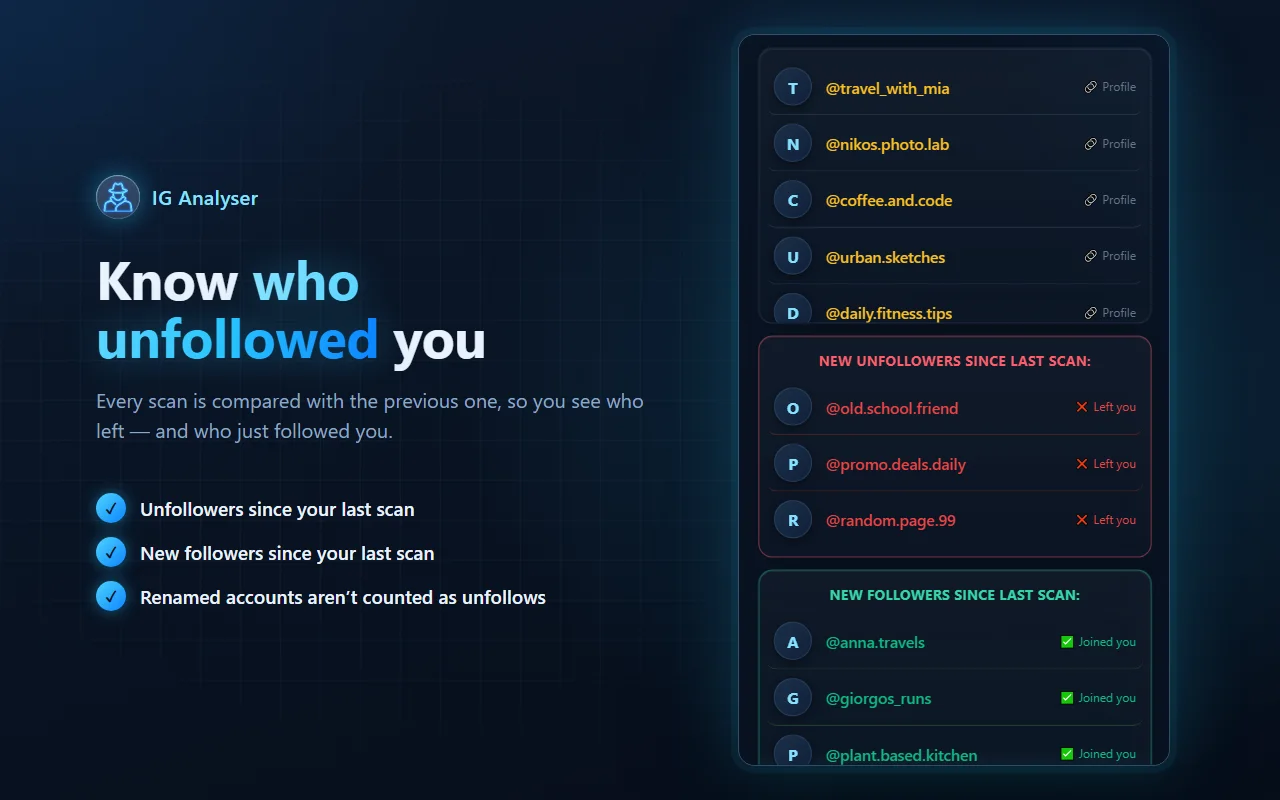
Every scan is compared with the previous one, so you see exactly who left and who just followed you. Renamed accounts aren't counted as unfollows.
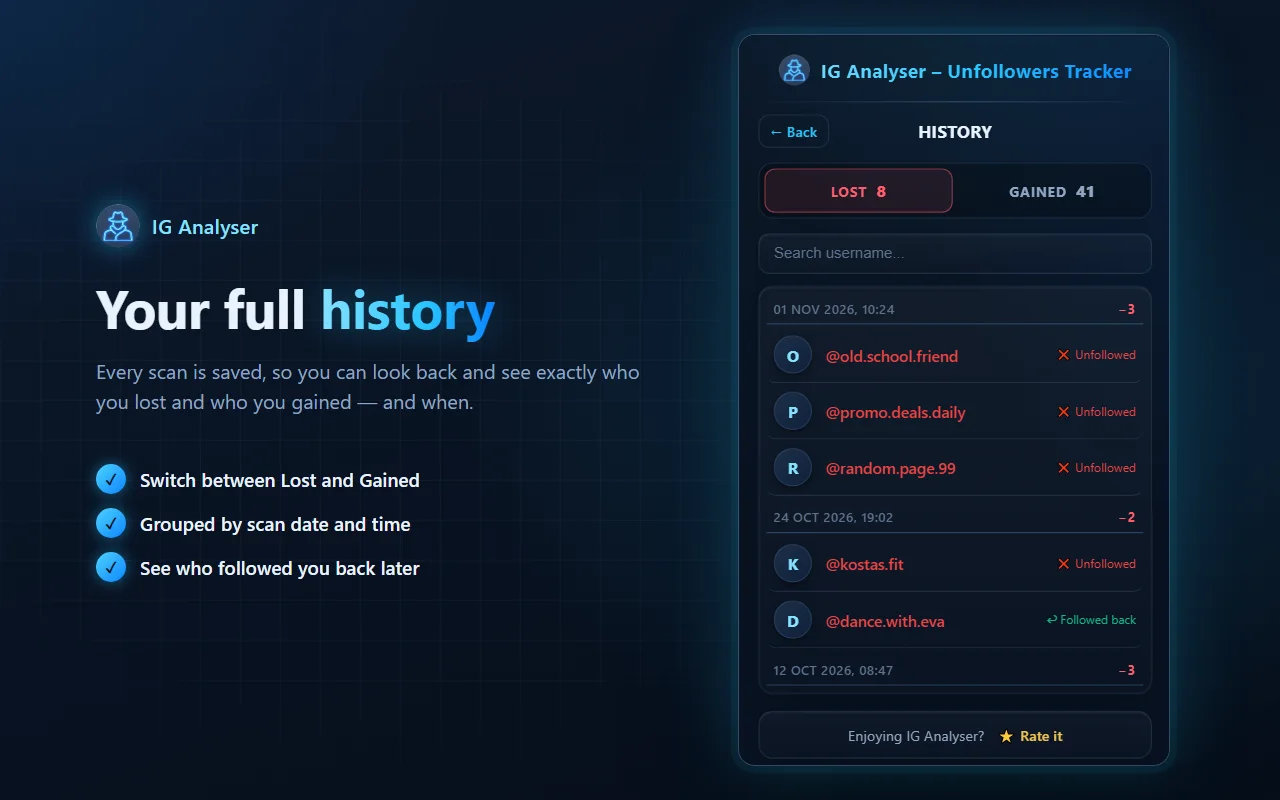
Every scan that finds changes is saved with its date. Switch between Lost and Gained, and see who followed you back later.
No sign-up and no password. Everything runs in your browser and your results are stored only on your own computer.
Smart pacing keeps requests slow and steady. If Instagram asks to slow down, the scan pauses and continues right where it left off.
Every feature is included. No paywalls, no limits, no subscriptions and no ads.
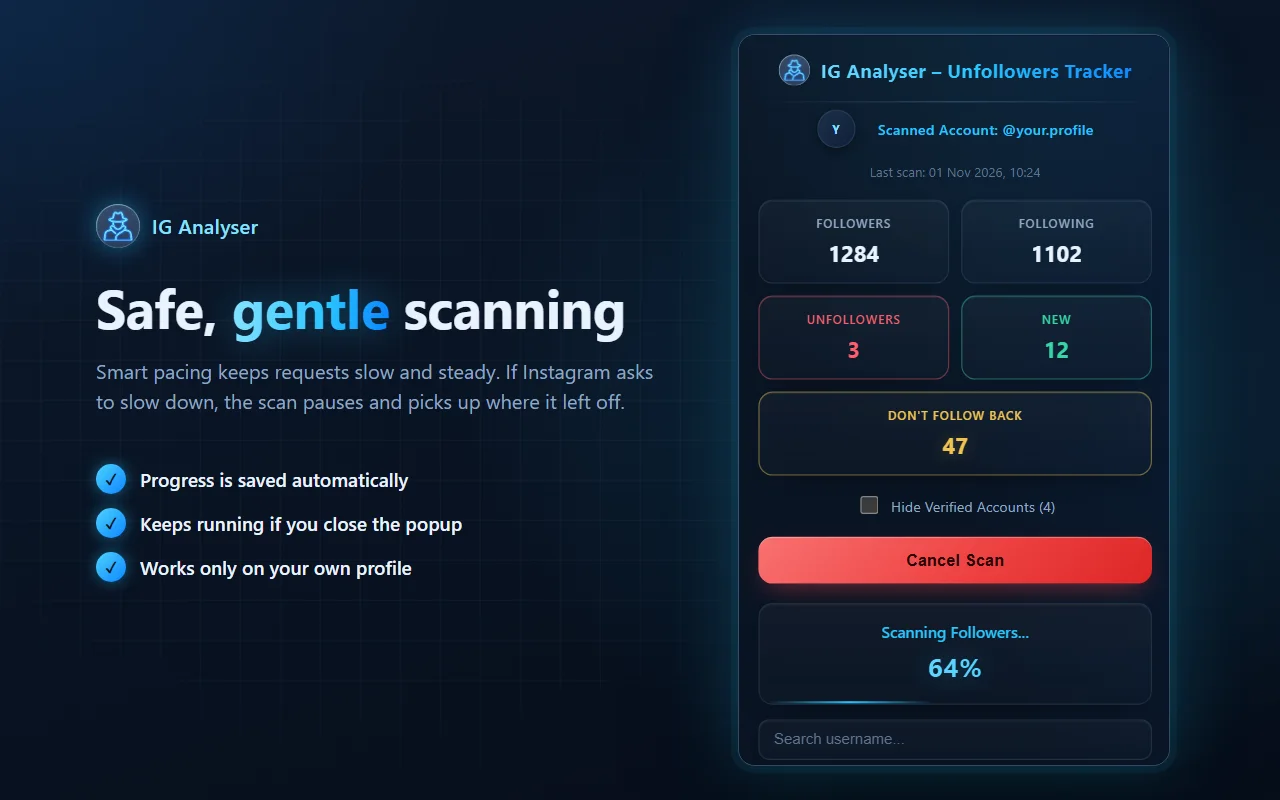
The scan itself takes a few minutes on large accounts, and keeps running even if you close the popup.
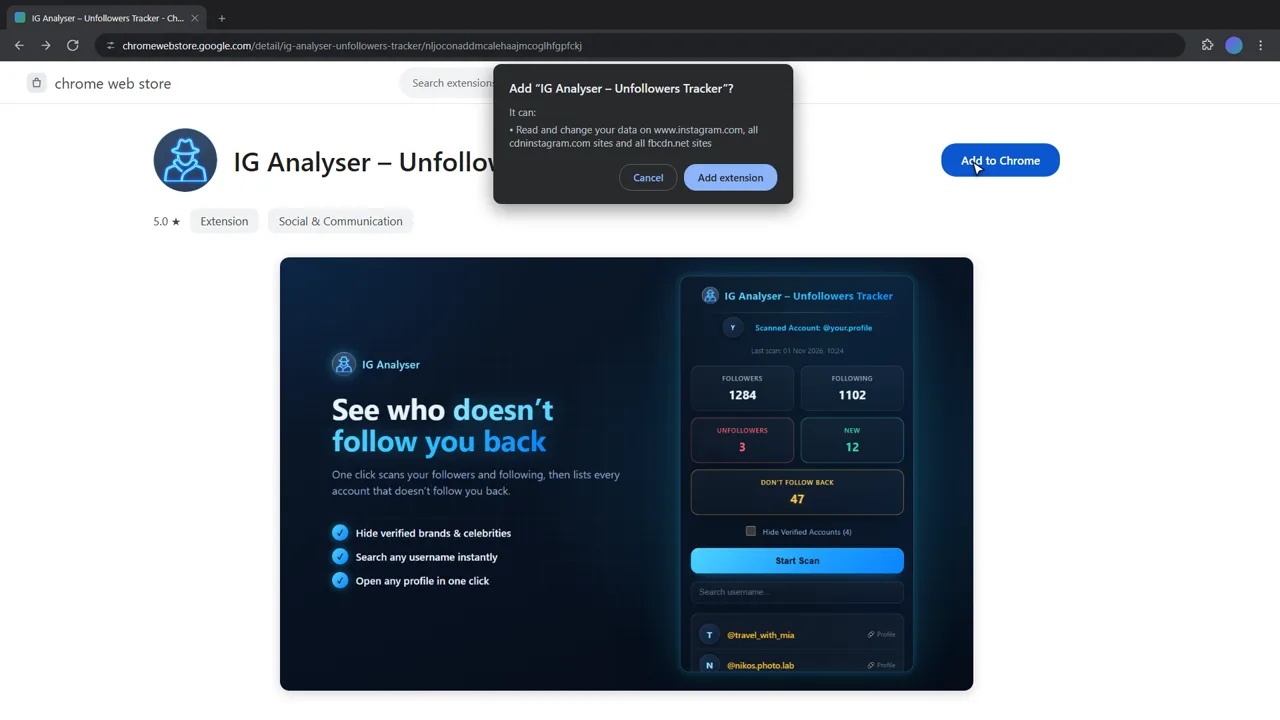
Install IG Analyser from the Chrome Web Store and pin it to your toolbar.
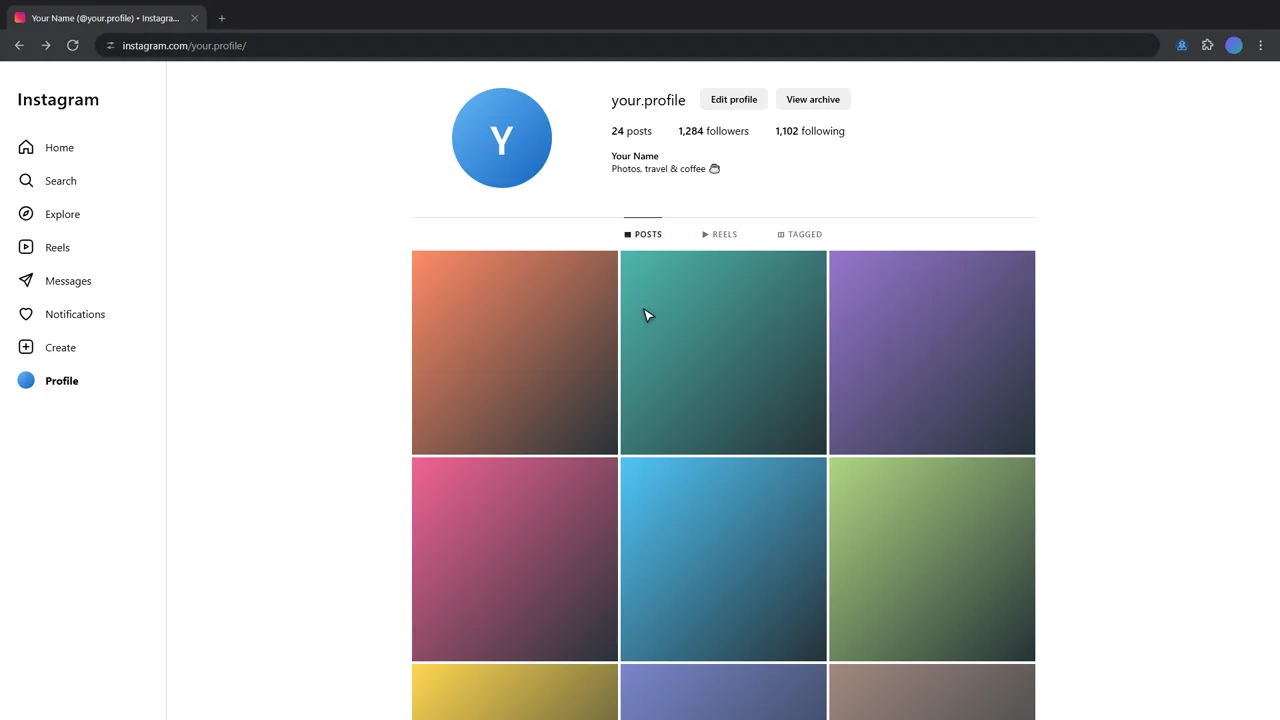
Go to instagram.com, log in as usual and open your own profile page.
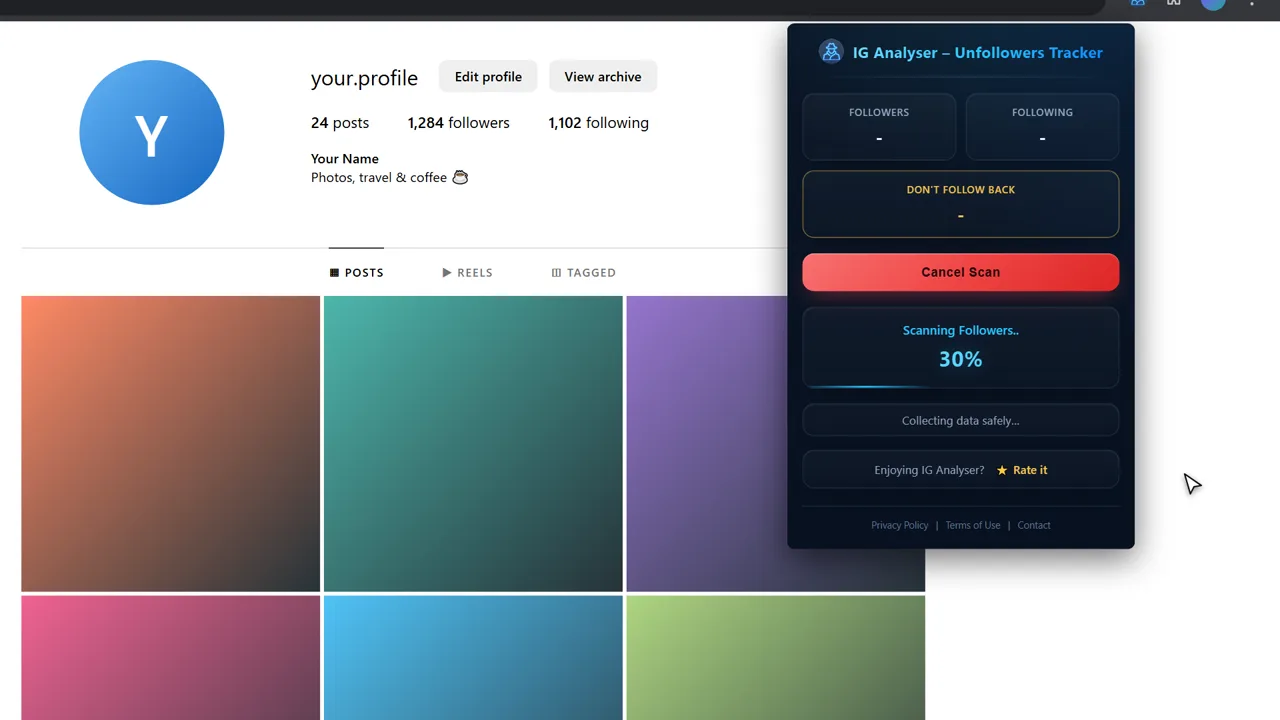
Click the IG Analyser icon and press Start Scan. Progress is saved automatically.
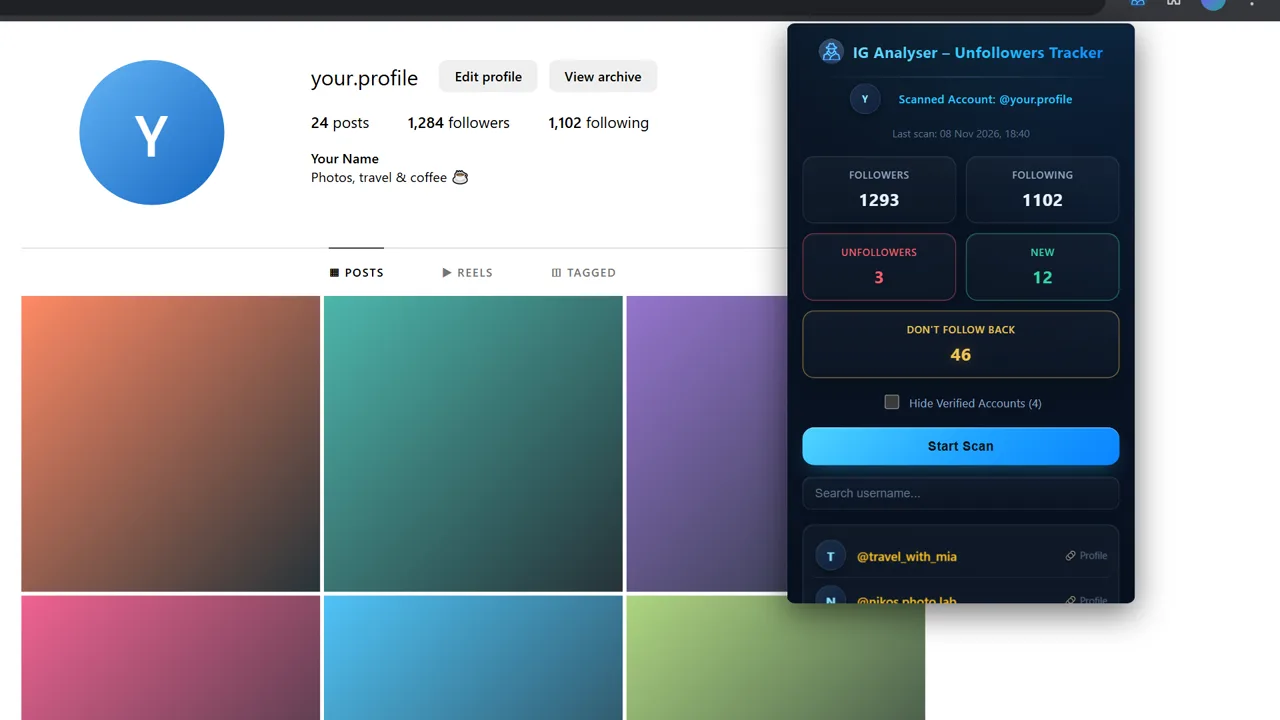
Scan again any time to see who unfollowed you, who's new, and your full history.
Opens on YouTube · 1:13
No. IG Analyser never asks for a password or a login. It works with the Instagram session that is already open in your browser, the same way the Instagram website does.
Only on your computer, in Chrome's local extension storage. Nothing is sent to us or to any other server. Removing the extension deletes all of its saved data.
From your second scan on, every scan that finds unfollowers or new followers is saved with its date and time. Open History in the popup and switch between Lost and Gained. Each account also shows whether it follows you today, so you can see who followed you back later. History is kept separately for each Instagram account you scan.
IG Analyser reads your lists slowly, with pauses, and stops when Instagram asks it to slow down. It never follows, unfollows, likes or messages anyone. As with any third-party tool, you use it at your own risk.
Nothing is lost. Wait a little and press Start Scan again — the scan continues from where it stopped instead of starting over.
IG Analyser is made for analysing your own account. Open your profile page on instagram.com before starting a scan.
Free, private and ready in seconds. Join the people already using IG Analyser.
Add to Chrome — it's free